Forensics
Index of all forensics pages - file analysis, PCAP analysis, memory forensics, and disk forensics.
Forensics
Forensics is the art of digging through digital evidence (files, network captures, memory dumps, disk images, log files) to reconstruct what happened and find the flag. Unlike pwn or web, you're not exploiting a running service. You're examining artifacts left behind.
Every forensics challenge follows the same pattern: identify what you have, search for quick wins, then go deeper with specialized tools. The biggest mistake beginners make is jumping into advanced tools before running strings and grep.
Pages in This Section
| Page | Difficulty | What You'll Learn |
|---|---|---|
| File Analysis | Beginner | Identify file types, extract metadata, find embedded content |
| PCAP Analysis | Beginner | Analyze network traffic, extract files, find credentials |
| Log Analysis | Beginner | Investigate web server and system logs for attacker activity |
| Memory Forensics: Volatility | Intermediate | Analyze RAM dumps: processes, commands, network, files |
| Memory Artifacts | Intermediate | Extract credentials, browser data, clipboard from memory |
| Disk Images | Intermediate | Mount and analyze disk images, search filesystems |
| File Carving | Beginner | Recover files from raw data by recognizing file signatures |
| Deleted Files | Intermediate | Recover deleted files from filesystems |
The Universal First Step
Before touching any specialized tool, run these four commands on every challenge file, regardless of type:
file challenge_file            # what is this actually?
strings challenge_file | grep -iE "(flag|ctf)\{"   # quick win
exiftool challenge_file        # metadata
binwalk challenge_file         # embedded files
This takes 10 seconds and solves a surprising number of challenges. The flag is often in a metadata comment, an embedded archive, or as plaintext in the binary.
Even a .pcap or .raw memory dump can contain plaintext flags visible with strings. Always try this before opening Wireshark or Volatility.
How to Identify What You Have
The file extension tells you nothing. The magic bytes tell you everything.
$ file mystery.bin
mystery.bin: PNG image data, 800 x 600, 8-bit/color RGB

$ file capture
capture: pcap capture file, microsecond ts, link-type EN10MB (Ethernet)

$ file dump.raw
dump.raw: data   # could be anything; try strings, binwalk, file -k
Common CTF evidence types:
| You received... | It's probably... | Start here |
|---|---|---|
| A single unknown file | File analysis challenge | File Analysis |
.pcap or .pcapng | Network capture | PCAP Analysis |
.raw, .mem, .vmem | Memory dump | Volatility |
.img, .dd, .raw (large) | Disk image | Disk Images |
.log files, .csv exports | Log analysis | Log Analysis |
| Multiple files in a zip | Combination, so triage each | Start with file * |
Investigation Workflow
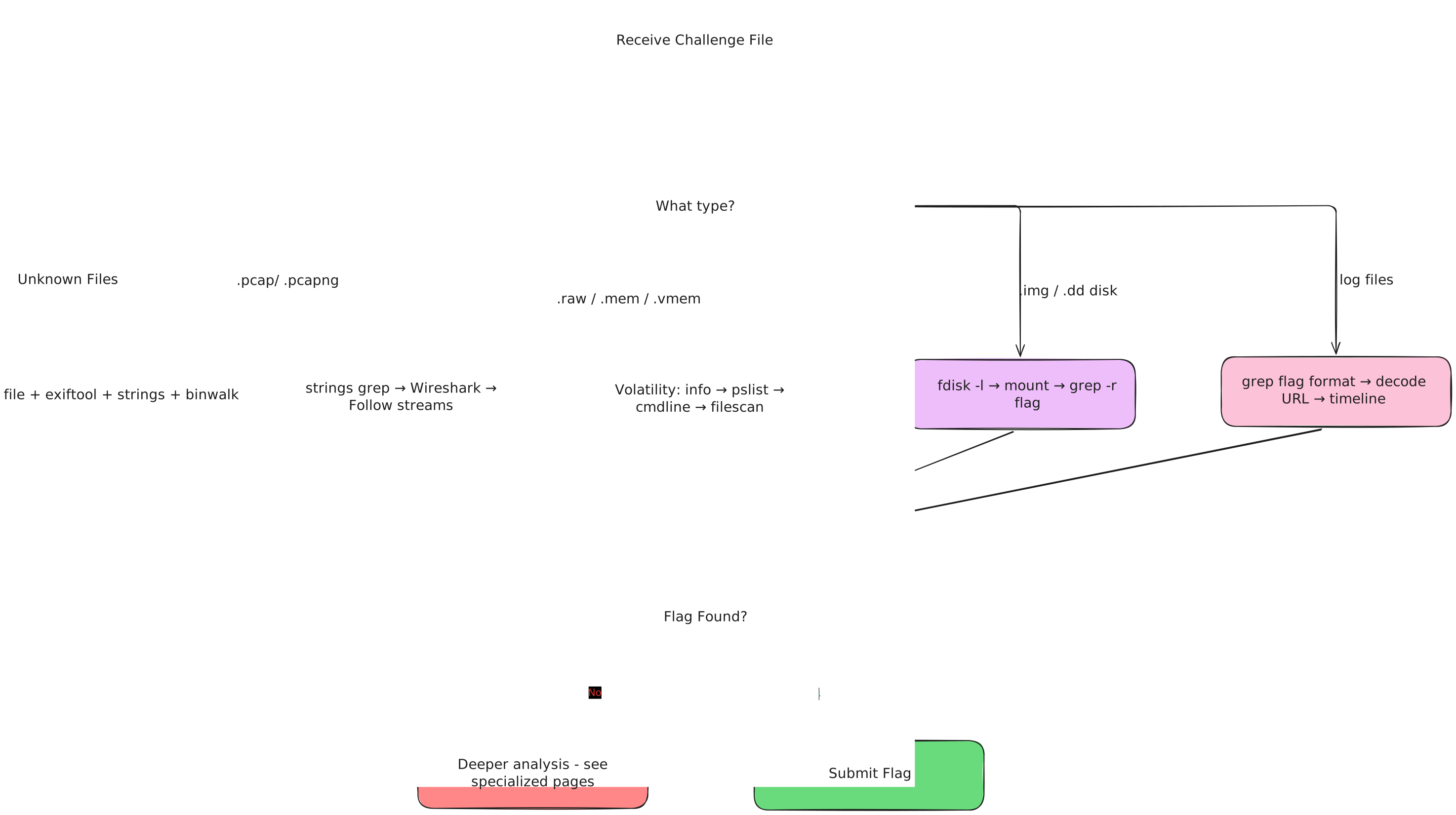
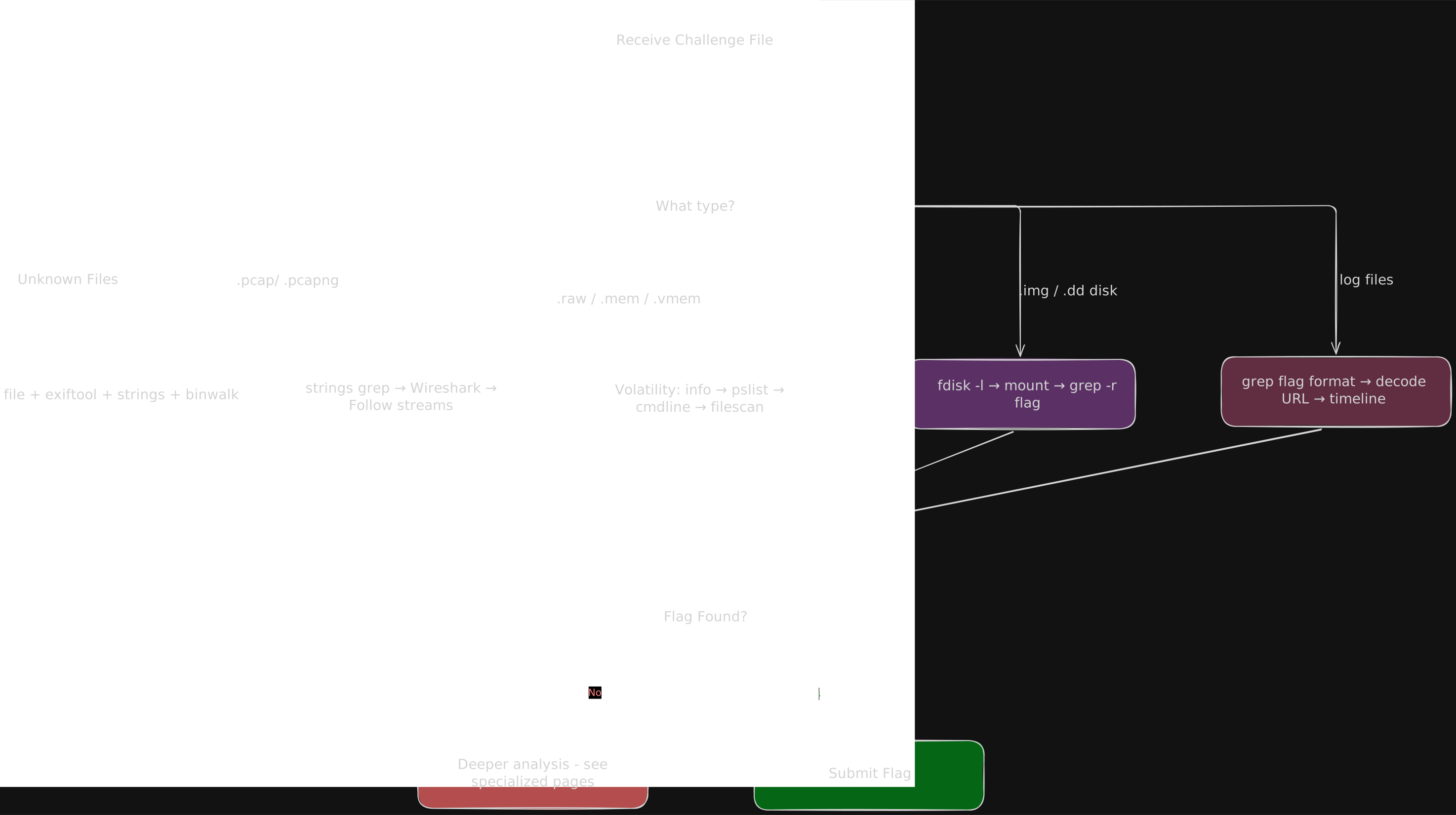
Learning Path
Beginner: Start Here
- File Analysis: Every forensics challenge starts with
file,strings,exiftool,binwalk. Master these first. - PCAP Analysis: Network captures are the most common forensics challenge type. Learn Wireshark.
- Log Analysis: Web server logs, auth logs, system logs.
grepandawkare your tools. - File Carving: Recovering files from raw data. Useful across all challenge types.
Intermediate: Deeper Analysis
- Disk Images: Mounting, browsing, and searching filesystem images.
- Deleted Files: Recovering files that were deleted but not overwritten.
- Volatility: RAM dump analysis. Different toolchain, different mindset.
- Memory Artifacts: Credentials, browser data, clipboard from memory dumps.
Tool Quick Reference
Last updated on