Nmap
Nmap commands, workflows, and cheatsheets for CTF network enumeration, service discovery, and script scans.
Nmap
Nmap is the first pass for almost every network-facing CTF target. It helps you discover live hosts, open ports, service versions, and scripts that reveal the next move.
Basic to Advanced Workflow

1. Start with discovery
nmap -sn 10.10.10.0/24
nmap -sn -n 10.10.10.0/24
Use this when you need to find live hosts quickly. Add -n to skip DNS lookups and speed up the scan.
2. Find open ports
nmap -p- --min-rate 2000 10.10.10.5
nmap -sS -p- -T4 10.10.10.5
nmap -sT -p 22,80,443 10.10.10.5
Use a full port sweep first, then narrow down to the ports that matter.
3. Identify services
nmap -sV -sC -O -p 22,80,443 10.10.10.5
nmap -A -p 22,80,443 10.10.10.5
-sV finds service versions, -sC runs default scripts, and -O tries OS detection.
4. Expand with scripts
nmap --script default,vuln -p 80,443 10.10.10.5
nmap --script http-title,http-headers -p 80,443 10.10.10.5
nmap --script ftp-anon -p 21 10.10.10.5
Add NSE scripts when the banner alone is not enough.
5. Go deeper
nmap -sU -p 53,123,161 10.10.10.5
nmap -sV --version-all -p 80,8080,8000 10.10.10.5
nmap -Pn -n -T4 -p- 10.10.10.5
UDP, version-all, and -Pn are common when the target blocks ping or hides service detail.
Official Screenshot Walkthrough
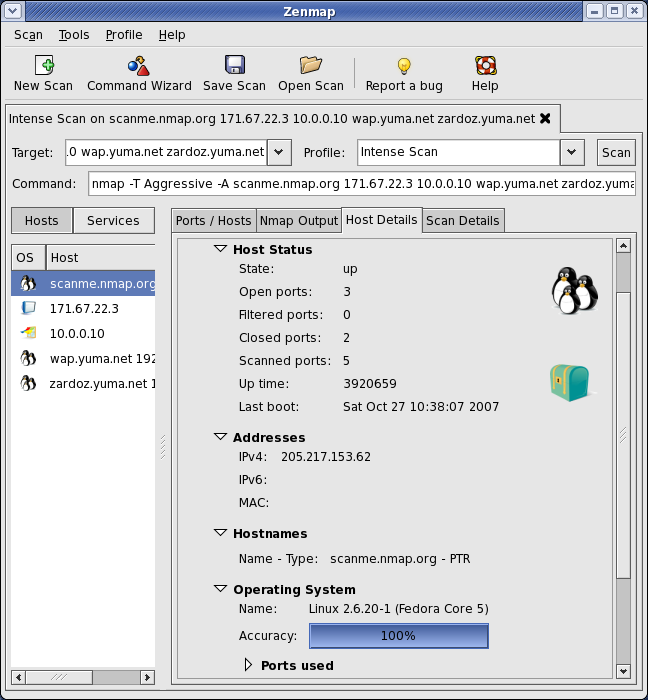
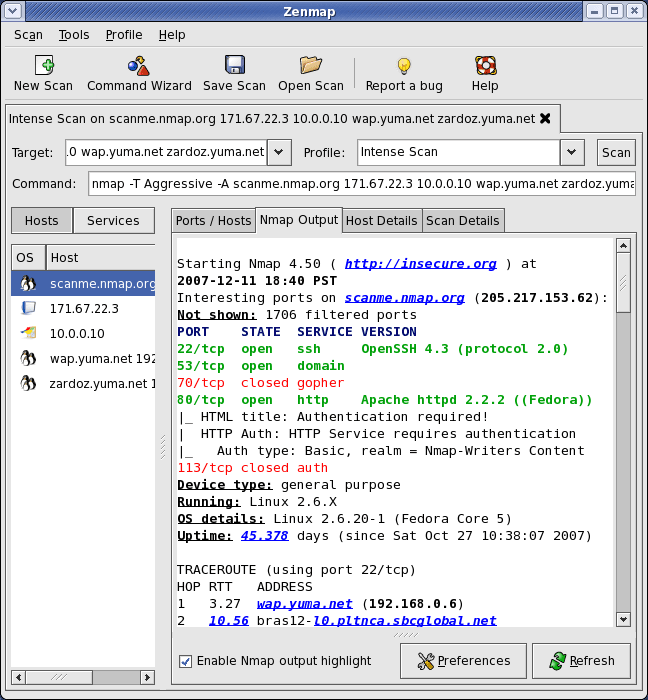
Official Zenmap scan result view for checking discovered hosts, ports, and service details.
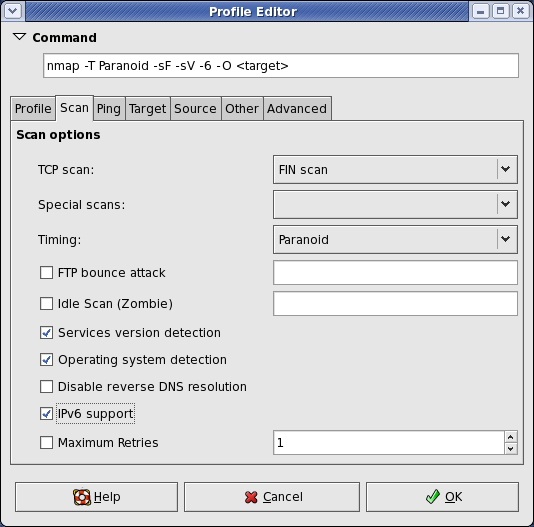
Official Zenmap profile editor view for saving repeatable scan presets and command templates.
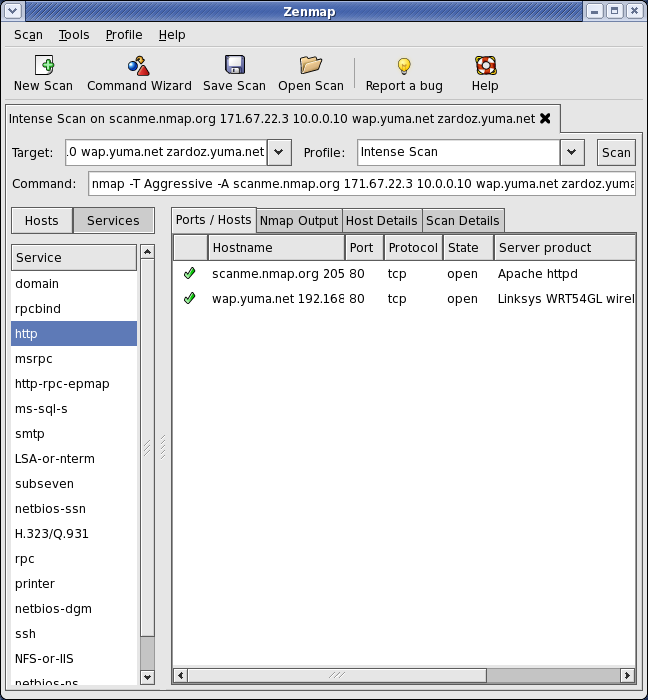
Official Zenmap host and port summary view for scanning and comparing targets.
Command Cheatsheet
| Command | What it does |
|---|---|
nmap -sn 10.10.10.0/24 | Ping sweep / host discovery |
nmap -sn -n 10.10.10.0/24 | Discovery without reverse DNS |
nmap -PR 10.10.10.0/24 | ARP discovery on local network |
nmap -PE -PP -PM target | ICMP echo/timestamp/netmask probes |
nmap -Pn target | Skip host discovery entirely |
CTF Recipes
Quick Reference
nmap -sn target                 # host discovery
nmap -p- target                 # all TCP ports
nmap -sV -sC target             # versions + default scripts
nmap -A target                  # aggressive shortcut
nmap -Pn target                 # skip ping
nmap -sU target                 # UDP scan
nmap --script vuln target       # vulnerability-oriented scripts
nmap -oA recon target           # save all output formats
Start with -sn, then -p-, then -sV -sC. That sequence covers most CTF cases without wasting time.
Last updated on